Preparedness · Go-bags and supplies
What you've prepared should still work the day you need it.
The water, flashlight and medicine in your go-bag. The food and batteries stored at home. Note where they are, how many you have and when they expire. A ten-minute check each season, and on the day it matters, no scrambling.
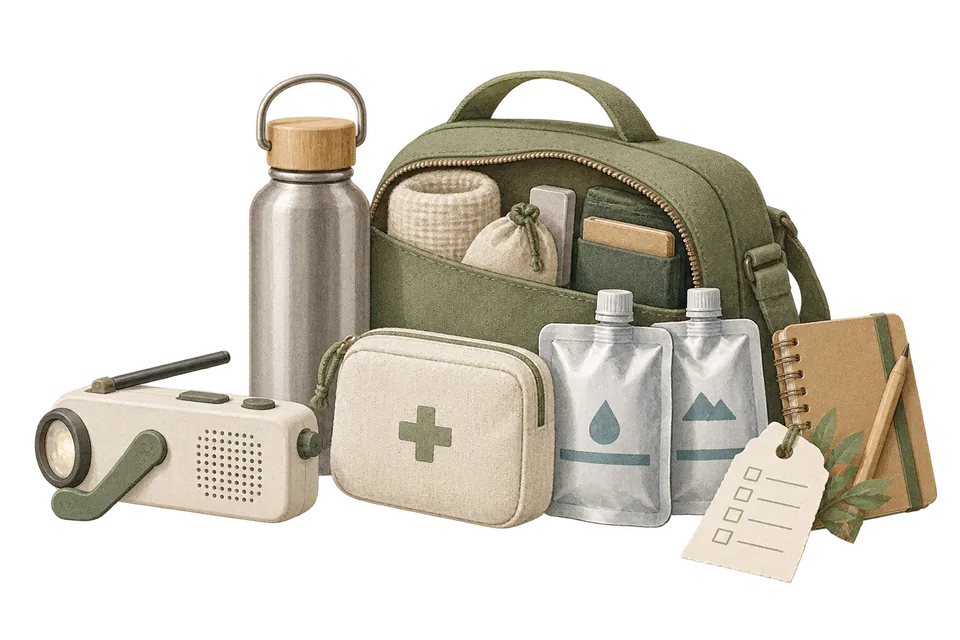
Three lists, linked together
A bag by the door, a bin in storage, and one more in the car.
Each one is a basket. Turn on checklist mode to go through it item by item. Then use Basket Connections to link them, so you can jump from your go-bag to the bin at home.
Illustrative screen · Try it
Illustrative screen · Try it
Illustrative screen · Try it
Rotating your supplies
Use what's about to expire, then restock.
The same supply bought at different times expires at different times. Use the Batch Manager to split your water into batches, each with its own count and location, and write each batch's expiry date in its note. Put the earliest date in Expiry Date, and when it gets close, you get a notification and it shows up in Falling Leaves, so you drink that batch first.
- Batch 1 4 bottles Oct 2026 Kitchen › Under the sink
- Batch 2 4 bottles Aug 2027 Storage › Bottom shelf
- Batch 3 4 bottles May 2028 Storage › Bottom shelf
- Use up what expires first
- Pick up a new batch
- Log its expiry date
- Store it at the back
A rhythm for checking
No need to think about it daily. Take a look when the seasons turn.
The risk isn't preparing too little. It's preparing and then forgetting. Pick a check-in time that's easy to remember.
- Every spring Seasonal check Open each basket's checklist and go through the real things one by one. If a count changed or something moved, fix it on the spot.
- Every fall One more look Group by expiry status and go through it. Eat or use what's about to expire. Set anything used up to Low Stock and restock it on your next shopping trip.
- When life changes Adjust as you go A move, a new baby, an older relative staying with you: what belongs in your kit changes too. Update your lists using official guidance.
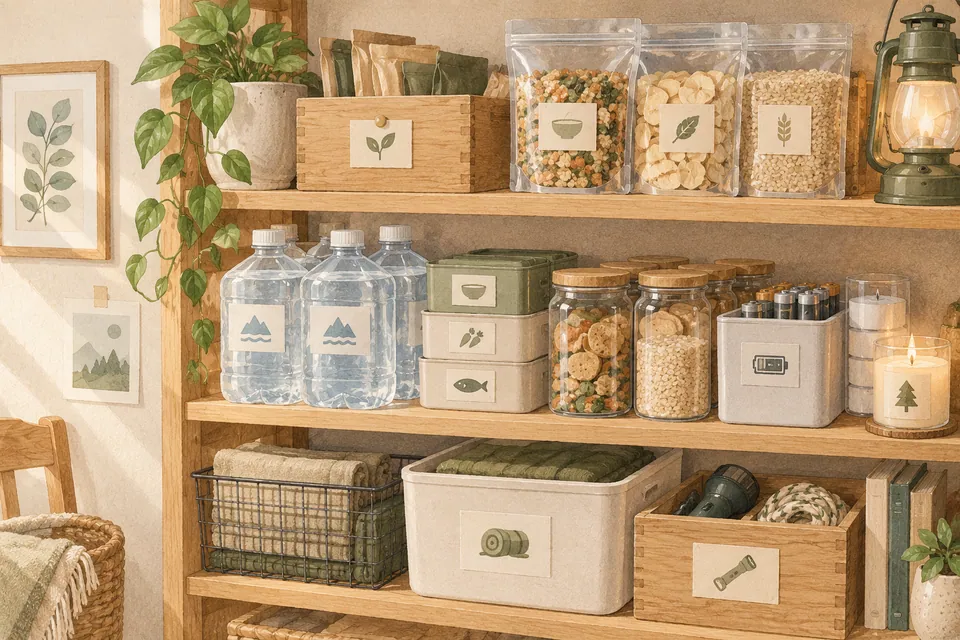
May all this preparing only ever be preparing.
The water, cans and batteries on the shelf sit quietly most of the time. MononoMori remembers that they're there, and that they still work.
User guide
When you are ready to start, read these.
- Managing Emergency Supply Records Audit family emergency kits and disaster supplies with locations, quantities, dates, and specialized tags.
- Item & Basket Connections Discover Item Connections and Basket Connections. Learn how to link complementary belongings or related task lists step by step, and unlink them whenever needed.
- Home Screen Widgets: Keep Items and Memories Close Meet Forest Today, Falling Leaves, Today's Reunion and Today's Treasure. Learn to add widgets, choose their scope, adjust name and photo display, and troubleshoot updates.
- Status Management & Multi-Dimensional Evaluation Master MononoMori's Status Management and evaluation system: built-in states, custom statuses, batch-specific status assignment, and expansive multi-dimensional rating mindsets.
One-minute shorts
Before you start
About emergency prep, a few words first.
- Follow official guidance for your list The items on this page are only examples. For what to keep and how much, follow your local government, fire department and health authorities.
- Allow notifications first MononoMori sends a notification 7, 3 and 1 day before an Expiry Date. Allow notifications when asked; you can change the timing and time in Settings under Expiry Reminder.
- No family sharing MononoMori can't share one list with your family yet. Tape a paper list to the bin and tell everyone where it is.
- The free plan has a limit and doesn't sync The free plan holds up to 30 in-stock items in total (counted by quantity), and the data stays on this device. Households with big stockpiles may want Plus: no item limit, plus iCloud sync. Until then, back up regularly.
Questions
Things you may want to know first.
Can I check off my go-bag list?
Yes. Put the items in a basket, turn on checklist mode and tick each one as you check it. When you're done, clear all the checks at once and start fresh next time.
I bought the same supply several times with different expiry dates. How do I log it?
Use the Batch Manager. Split one item into batches, each with its own count, location and note. Write each expiry date in the note, or log supplies with different expiry dates as separate items.
Will it remind me when something is about to expire?
Yes. Once an item has an Expiry Date, you get a notification 7, 3 and 1 day before it; change the days and time in Settings under Expiry Reminder. Anything that expired in the last 30 days or expires in the next 7 also shows up in Falling Leaves in the app and on the Falling Leaves widget.
Can I open it during a power or internet outage?
Your records are stored on the device, so you can view them without a connection. But your phone itself may run out of battery, so keep a paper list in your go-bag too.
Can my family see this list?
There's no family sharing yet. Devices on the same Apple ID can sync through iCloud (Plus or Premium). With either plan you can also export a spreadsheet, print it and tape it to the supply bin.
Does MononoMori tell me what to prepare?
No. MononoMori is only a tool for keeping records. Decide what and how much to keep based on guidance from your local official agencies.
MononoMori
What you've prepared, ready on the day you need it.
Start with the one go-bag by your door. Take ten minutes today and log what's inside.
More ways to use it
MononoMori works here too.
-
 Cosmetics & Skincare Shelf Life Stop guessing expiry dates. Cherish every product.
 -
 Anime & Fandom Collectibles As your passions grow, never lose track of your grails.
 -
 Home Tech, Appliances & Warranties When an appliance acts up, never dig through drawers.
 -
 Physical Video Game Library The games you love, never lost in the depths of a shelf.
 -
 Moving Boxes & Storage Bins Once the boxes are taped shut, nothing has to vanish.