Moving · Box records
The box is taped shut, but you still know what's inside.
Take a photo before you seal it and give every box a number. On your first night in the new place, search for the charger and see which box it's in. No opening boxes one by one and guessing.
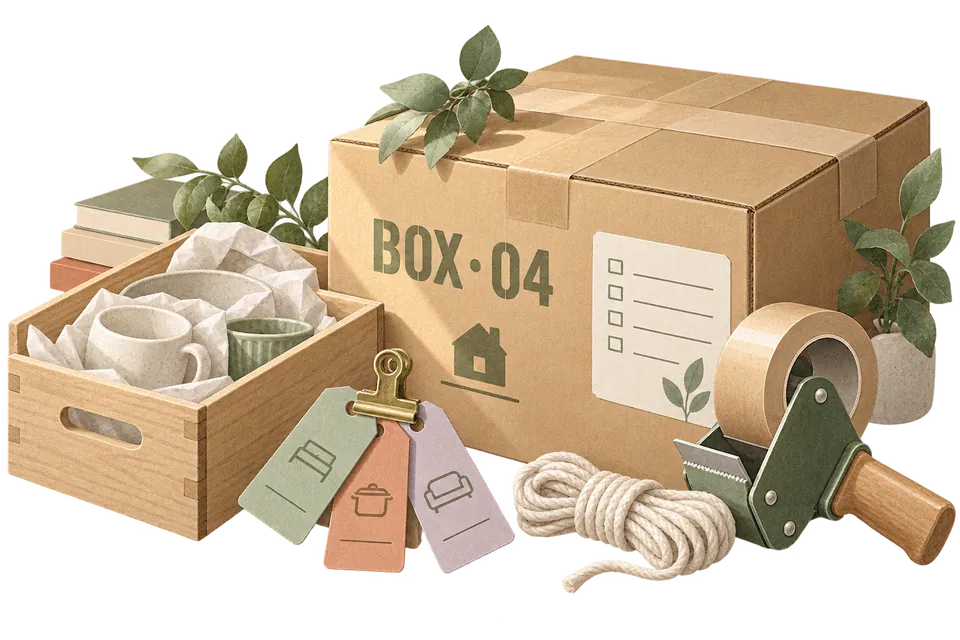
First night, 11:40 pm
"Which box is the charger in?"
Each box is a location in MononoMori. Search an item to see which box it's in. Tap a box to see everything you packed before you sealed it.
Five moments in one move
Open MononoMori only when it matters.
Moving is busy enough. You don't need the app open all the time, and you don't need to log every single thing.
- Two weeks before Make a "Moving" grove Each box is a location inside it: BOX 01, BOX 02 and so on. The number on the box matches the one in the app. Groves & locations
- Packing day Lay it out, snap, then seal One photo can identify up to 5 items. When adding by hand, turn on Continuous Planting Mode: the location and category stay put, so you can log one item after another. Just the urgent, fragile and valuable things are enough. AI · Continuous Planting
- Moving day Export a box list Use Export as Spreadsheet to make a CSV (needs Plus or Premium) and send it to the friends or movers helping out. Which box goes to which room is clear at a glance. Export CSV
- First night Get tonight back first Open the "First night" checklist and tick things off. Toothbrush, charger and a mug found. The other boxes can wait until tomorrow. Basket · Checklist
- A week later Unpack a box, settle a box When things go into their new cupboards, move them to the new location. Once the last box is empty, clear out the temporary box locations. Search · Locations
First night
What you need tonight, in one checklist.
Make a "First night" basket and add the essentials spread across different boxes. They stay in their boxes. The basket remembers which one.
Illustrative screen · Try it
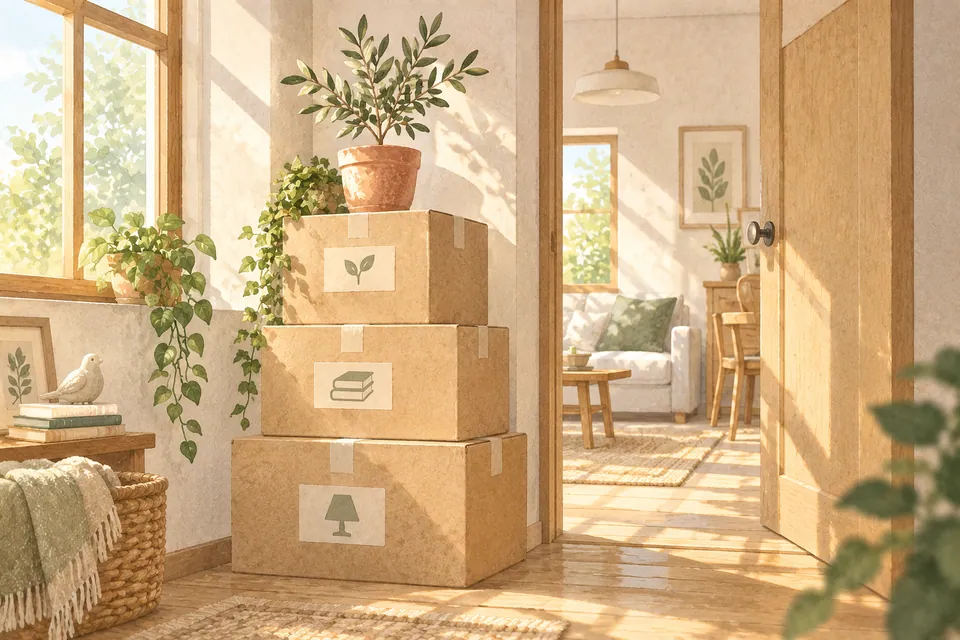
You don't have to settle the whole home at once.
On the first day after a move, finding your toothbrush, your charger and a mug means life has already started again. The rest of the boxes can find their places slowly, room by room, as new habits form.
User guide
When you are ready to start, read these.
- Box Tracking During Relocation Record moving box contents with groves, locations, and clear labels, protecting data before settling in.
- Continuous Add Mode Add multiple items smoothly in a single organization session, verifying next record details after each save.
- Item & Basket Connections Discover Item Connections and Basket Connections. Learn how to link complementary belongings or related task lists step by step, and unlink them whenever needed.
- Storage Cleanup & Maintenance Utilities Inspect local storage consumption, clean caches, temporary files, and orphaned attachments, and distinguish spreadsheet exports from data resets.
One-minute shorts
Before you start
Here's where it helps during a move, and where it doesn't.
- You don't have to log everything Start with first-night essentials, fragile things, valuables and whatever is easiest to lose. Add the rest when you have time.
- No QR code labels MononoMori can't create or scan QR codes. Write a number on the box and use the same number as the location in the app.
- You move the locations MononoMori doesn't know where a box ended up. Once things are put away, update their location in the app.
- The free plan has limits The free plan allows up to 3 groves, 10 locations and 30 in-stock items in total (counted by quantity). For a big move with lots of boxes and things, Plus has no limit on items, groves or locations.
Questions
Things you may want to know first.
Do I need to log what's in every box?
No. Start with first-night items, valuables, fragile things and the boxes you'll most likely need to search later. Your records can grow at the pace of the move.
How do I note which room in the new home things go to?
Use the box number as the location and put the destination room in a tag or note, like "To: Study". Both work in search and filters.
Can AI identify a whole box at once?
We suggest up to 5 items per photo. Lay out what you're packing, take a photo and confirm the results before saving. Fix anything hidden or look-alike by hand.
Can I share the box list with my movers?
With Plus or Premium, Export as Spreadsheet in Data creates a CSV file with item names, locations and other text (no photos). You can send it or print it.
Are the records still useful after the move?
Yes. Once things are put away, change them to their new locations and they become your new home's records. Whatever you need later, just search.
Can I use it on iPhone, iPad and Mac?
Yes. With Plus or Premium, iCloud syncs between your iPhone, iPad and Mac. On the free plan, data stays on the current device.
MononoMori
You moved, and your things still know where they are.
You don't have to unpack everything right away. Just leave a clear trail for the next time you go looking.
More ways to use it
MononoMori works here too.
-
 Cosmetics & Skincare Shelf Life Stop guessing expiry dates. Cherish every product.
 -
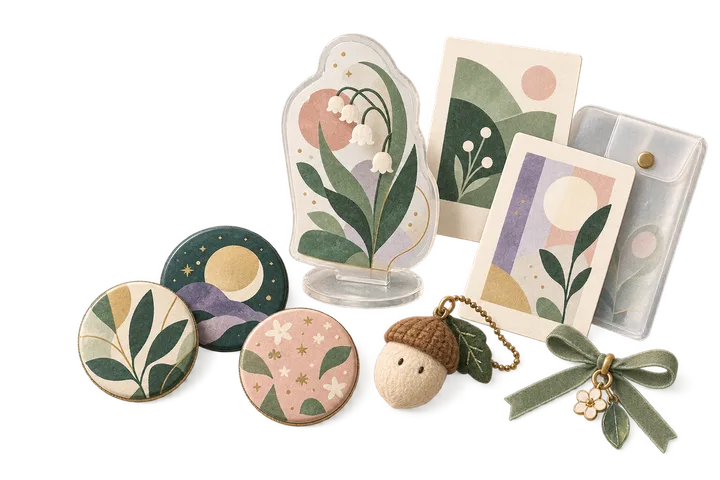 Anime & Fandom Collectibles As your passions grow, never lose track of your grails.
 -
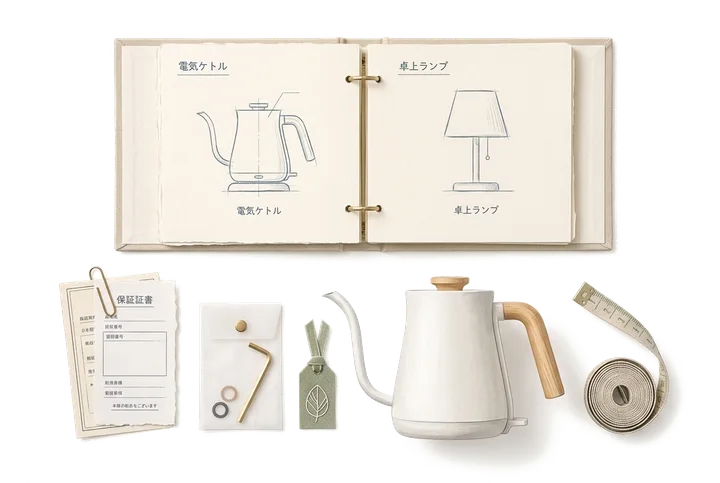 Home Tech, Appliances & Warranties When an appliance acts up, never dig through drawers.
 -
 Physical Video Game Library The games you love, never lost in the depths of a shelf.
 -
 Emergency Kit & Go-Bag Inventory The supplies you prepared, never forgotten when needed.