Game shelf · Cartridges and discs
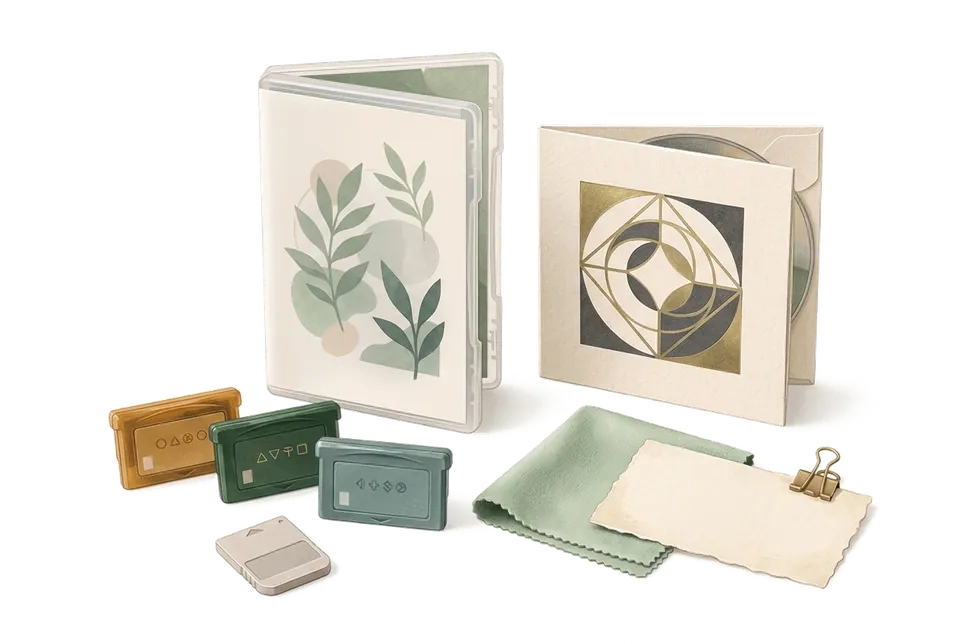
Every case on the shelf remembers which summer you bought it.
Cartridges, discs, limited editions and bonuses. Take a photo and note the platform, edition and which shelf it's on. Want to play, playing, beaten, lent to a friend: one filter and you know.
What to play tonight
Your game shelf, in your pocket.
Make a category for games with Platform, Edition and Beaten fields, then use custom statuses for want to play, playing and beaten. Tap a filter below and watch the shelf change.
Illustrative screen · Try it
- Platform
- Switch
- Edition
- Limited
- Bought
- Mar 2026 · ¥9,680 JPY
- Beaten
- No
- Location
- Living room › TV stand › Left
- Connected items
- Art bookSoundtrack CDAcrylic stand
Second playthrough, 12 collectibles to go.
- Platform
- Switch
- Edition
- Standard
- Bought
- Aug 2025
- Beaten
- Yes
- Location
- Living room › TV stand › Left
It rained the night I beat it. The ending left me quiet for a long time.
- Platform
- PS5
- Edition
- Standard
- Bought
- Jan 2026 · on sale
- Beaten
- No
- Location
- Study › Game shelf › Shelf 2
Saving it for a long vacation.
- Platform
- PS5
- Edition
- Deluxe
- Bought
- Nov 2025
- Beaten
- Yes
- Location
- Lent to Jake · Mar 12
- Connected items
- DLC code card
He promised it back by Memorial Day.
- Platform
- Switch
- Edition
- Standard
- Bought
- Jun 2026
- Beaten
- No
- Location
- Study › Game shelf › Shelf 1
A friend's pick. Says it's very cozy.
- Platform
- PS4
- Edition
- Collector's
- Bought
- Dec 2019
- Beaten
- Yes
- Location
- Study › Display cabinet
- Connected items
- Cloth mapMetal pin
The first collector's edition I bought myself.
- Platform
- Switch
- Edition
- Standard
- Bought
- Jul 2026
- Beaten
- No
- Location
- Living room › TV stand › Right
- Connected items
- Steering wheel controller
Weekend game with the family.
- Platform
- PS5
- Edition
- Standard
- Bought
- Sep 2026
- Beaten
- No
- Location
- Study › Game shelf › Shelf 2
- Platform
- Switch
- Edition
- Limited
- Bought
- Apr 2024
- Beaten
- Yes
- Location
- Study › Display cabinet
- Connected items
- Bonus postcards
- Platform
- PS4
- Edition
- Standard
- Bought
- Oct 2023
- Beaten
- No
- Location
- Study › Game shelf › Shelf 3
Bought three years ago. Still in the shrink wrap.
Three moments every collector knows
The things around the games, remembered for you.
Bought and never played, lent and never returned, sold and missed ever since. Every player knows these moments, and MononoMori has a place for each.
- The one gathering dust Backlog, sorted by date added Sort by date added, oldest first, and the game you bought earliest and still haven't played sits at the top. Check before a long break and start with that one. Sort · Status filter
- The one a friend borrowed On Loan, with who has it Set the status to the built-in On Loan and note who borrowed it and when. Six months later, no asking around the group chat. On Loan · Notes
- Before you sell Sold, but the story stays When you sell it secondhand, say farewell with Sold and write the sale price and a line from the heart in your farewell words. It leaves the shelf, but the night you beat it stays in the Memory Forest. Farewell · Memory Forest
Games end. The time you spent with them doesn't.
A limited edition box, a bonus postcard, the cartridge you played with friends until sunrise. MononoMori is more than an inventory list. It's the time you spent with these games.
User guide
When you are ready to start, read these.
- Categories & Custom Attributes Explore MononoMori's category system and custom attributes: from Japanese nature palette themes and transparent SVG icons to multi-field configs, multi-currency logging, and daily cost tracking.
- Status Management & Multi-Dimensional Evaluation Master MononoMori's Status Management and evaluation system: built-in states, custom statuses, batch-specific status assignment, and expansive multi-dimensional rating mindsets.
- Tracking Collections & Hobby Gear Organize hobby materials, artisan collectibles, and craft supplies with detailed photos, locations, notes, and tags.
- Item Deletion & Farewell Ritual Master MononoMori's dual-track disposal and Farewell Ritual. Separate effortless trash cleanup from solemn goodbyes, record touching companion stories, and gently dissolve separation anxiety.
One-minute shorts
Before you start
About game collections, a few things up front.
- No automatic game info MononoMori has no game database and can't scan barcodes. Enter the title, platform and edition yourself, or take a photo, let AI suggest and then confirm.
- Prices don't update on their own What you record is the price you paid. Resale prices don't sync. To track current value, add a number field.
- Digital games aren't managed MononoMori tracks physical things. You can log a digital copy as an item, but it won't sync with your platform account.
- Free holds up to 30 items The free plan holds up to 30 in-stock items in total (counted by quantity), with a limit of 3 groves and 10 locations. For a bigger library, Plus has no item limit and syncs through iCloud.
Questions
Things you may want to know first.
Can I filter games by platform?
Yes. Add a Platform single-select field to your games category and turn on Enable in Filters. Then filter by platform in the Items tab, or group by status or location.
How do I track limited edition bonuses?
Log each bonus as its own item, then use Item Connections to link it to the game. Open the game and the art book and soundtrack CD are right there.
I bought a Japanese game in yen. How do I log the price?
Each item can be priced in its original currency, like JPY. When you filter by price range, turn on Convert Currency and it converts to your default currency using built-in reference rates.
I bought two copies (one to play, one to keep sealed). What then?
Use the Batch Manager. Split the item into two batches, each with its own status, location and note. The total adds up on its own.
How do I track a game a friend borrowed?
Set the status to the built-in On Loan and note who has it and since when. Filter for On Loan to see every game that hasn't come back yet.
Is the record still there after I sell a game?
After you say farewell with Sold, it goes to the Memory Forest with its photos and story. It leaves your everyday list, but you can go back and look anytime.
MononoMori
Every case on the shelf is time you spent playing.
Start with the shelf next to the TV. Not sure what to play tonight? Take a look in MononoMori.
More ways to use it
MononoMori works here too.
-
 Cosmetics & Skincare Shelf Life Stop guessing expiry dates. Cherish every product.
 -
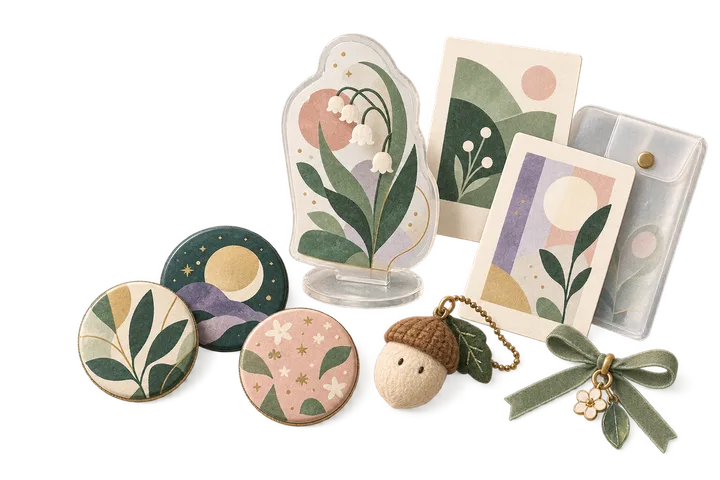 Anime & Fandom Collectibles As your passions grow, never lose track of your grails.
 -
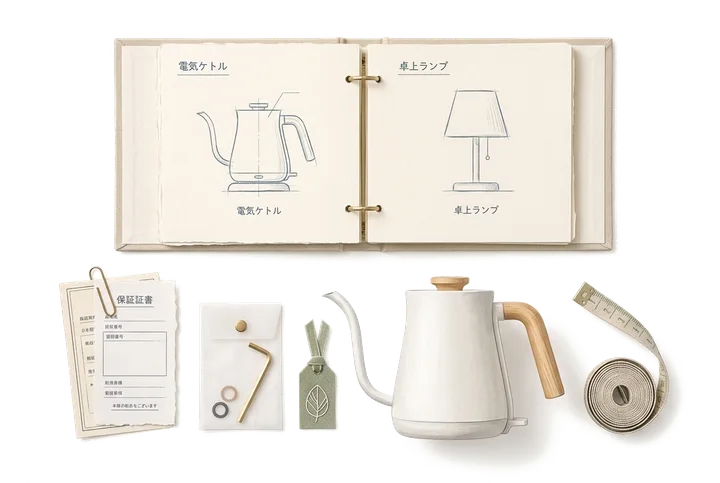 Home Tech, Appliances & Warranties When an appliance acts up, never dig through drawers.
 -
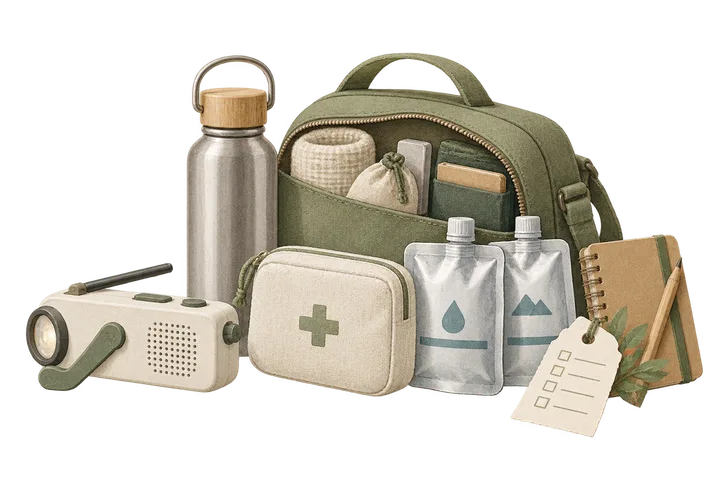 Emergency Kit & Go-Bag Inventory The supplies you prepared, never forgotten when needed.
 -
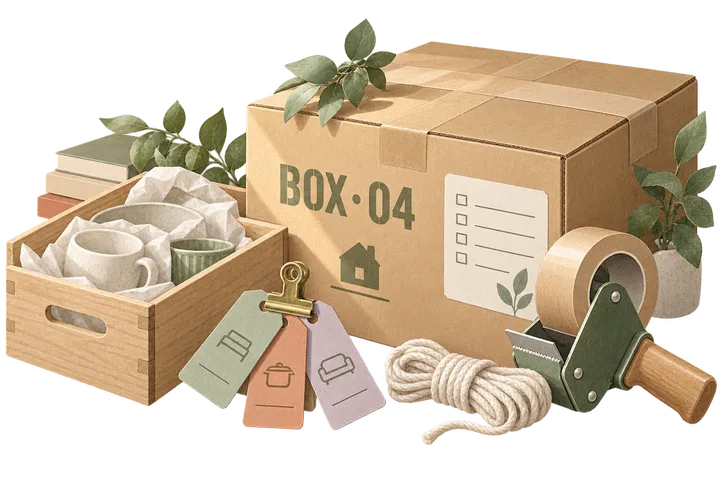 Moving Boxes & Storage Bins Once the boxes are taped shut, nothing has to vanish.