


Try it with MononoMori
Open MononoMori tonight, find the games you've lent out, change their status to Lent, and write in the notes who has them.
Storage Guides
Forest Editorial 6 min read
Hello everyone, I’m Windmori.
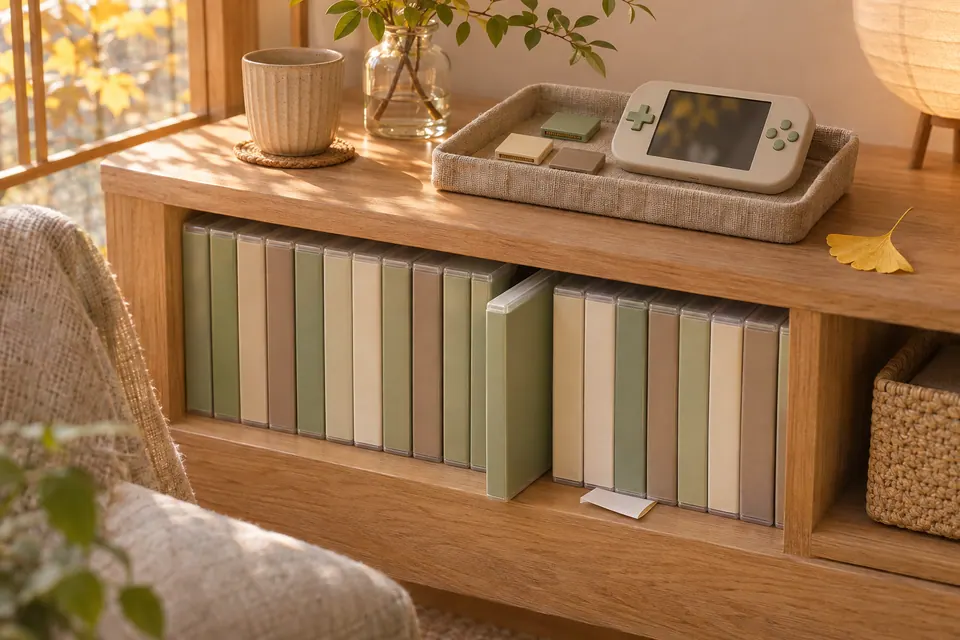
I don’t have that many games: a row on the left shelf of the TV stand and a row on the shelf in the study, sixty-odd cases in all. They’re lined up neatly, but if you asked me where a particular one is right now, which year I bought it or how long I’ve played it, most of the time I couldn’t tell you.
This issue isn’t about how to make games look nice on a shelf (for that, see the topic page Physical Video Game Library). I want to talk about three cases on my shelf.
During a recent holiday, I wanted to replay a game I’d finished a few years ago. I went through the TV stand, the study and the little box where I keep cartridges. It wasn’t there.
In the end I found it in a chat history: last summer I’d lent it to Jake, who promised to “give it back once I’ve finished.” Jake was embarrassed: finished it long ago, just never thought of it again.
Nothing was lost. We’d both simply forgotten it was still somewhere in between.
Since then I’ve had a habit: when I lend a game out, I change its usage status in MononoMori to Lent, one of the seven built-in statuses, and write a line in the notes: “Lent to Jake · July 20.” To see what else is still out, I filter Items by status, and there they all are at a glance.
I’ve wondered whether it would be better if Lent could remind me to ask for a game back when a certain day came. Right now it can’t. What I do is filter once at the start of each month and see which ones are due a gentle question. Honestly, the hardest part of this was never the reminder. It’s asking. At least now, when I do ask, I can say which day I lent it.
In a sale at the end of last year, I bought four games in one go. One of them still has its shrink-wrap on.
I don’t really want to blame myself; when I bought it, I genuinely wanted to play it. It’s just that there are always more games I want to play than time to play them.
Now I have two baskets. One is called “Play This Holiday”: before a holiday starts, I pick two or three games from the shelf and put them in, and when it ends I open it and see how many I finished. The other is “Games I Want”: before a new game comes out, I write it in the Wish List at the bottom of the basket first. If I still want to play it two weeks later, I buy it, and once it’s home I connect the two with Link Item.
The second basket is the same method I used in Vol. 10, This Year, I Want to Buy a Little Less. For games it’s especially useful: the “I have to buy it on launch day” urge mostly doesn’t last two weeks.
Last month, that unwrapped game went into “Play This Holiday.”
There’s one more, a game I sold the year before last. I didn’t think much about it at the time: I’d finished it, and keeping it would just take up space. But every now and then I think of it, of the night I finished it, rain outside the window, and an ending that left me quiet for a long while.
Back then I simply deleted its record. If I could do it again, I’d choose Sold on the farewell page, write a few lines, and keep it in the Memory Forest. It would hold when the game came into my life, how it left, and the few lines I wrote. A thing can leave without the days it kept you company being deleted along with it.
The old games on my shelf that I don’t want to sell but am not playing for now, I’ve let Hibernate. They’re out of sight in everyday browsing with nothing about them lost, and whenever I want to revisit one, a search finds it and waking it brings it back.
While recording all this, I also started tapping Check In on a game’s tree rings each time I play it, and on the day I finish it, tapping Note to write a few lines.
For games with a price filled in, Full Chronicle works out the average cost per play. The farming game I’ve played for three years comes to about a dollar a session; the big release I bought on launch day has only two check-ins.
These numbers are all taps I made myself. MononoMori doesn’t connect to gaming platform accounts, doesn’t record play time automatically, and can’t keep track of digital games. What it holds are only the evenings I chose to write down.
Games are entered by hand, or you can take a photo and let AI write the name first for you to check; it can’t scan barcodes yet. If you have a lot of games, start with the ones you’ve lent out and the few you’d least want to part with. The free plan covers 30 items. How statuses and farewells work is in Status Management & Ratings and Farewell and the Recycle Bin in the manual.

Open MononoMori tonight, find the games you've lent out, change their status to Lent, and write in the notes who has them.
The game I’d lent out did come back from Jake in the end, with a sticky note tucked inside the case: “Finished it. Great ending.”
I put it back on the left shelf of the TV stand, changed its status back, wrote a note on its tree rings, and started a second playthrough.
See you next time in the forest. 🌿
 Storage Guides A Fever at Midnight: Is That Box of Medicine Still Good? Remembering the Date on Every Box in the Home Medicine Box Life & Features Vol. 9: A child's fever late at night, an expired box of fever reducer, and the afternoon after, spent tipping the medicine box out onto the table and counting. Windmori writes about recording the medicine at home in MononoMori one box at a time, and a few small things that only became clear while doing it. 6 min read
 Storage Guides The Expired Soy Sauce at the Back of the Cupboard: Using Expiry Reminders and Leaf Gathering So Your Stock Doesn't Go to Waste Life & Features Vol. 7: We stock up for peace of mind, and then find it all expired when we finally dig it out. Why do food, medicine and skincare quietly expire at the back of the cupboard? Drawing on MononoMori's Expiry Date, expiry letters and Leaf Gathering, this issue looks at how to remember what you have before it's too late to use it. 6 min read
 Storage Guides You Already Had One, and Bought Another: Making "Check Before You Buy" a Habit with Locations and Search Life & Features Vol. 6: Things get put away and then can't be found, or you get home with something new only to find its twin in a drawer. Almost every household has been there. This issue looks at why we end up buying duplicates, and how MononoMori's groves, locations, photos and search let you ask one question before paying: do I already have this at home? 6 min read