


Try it with MononoMori
Tonight, take ten minutes to record the medicine you use most into MononoMori, and fill in the expiry dates.
Storage Guides
Forest Editorial 6 min read
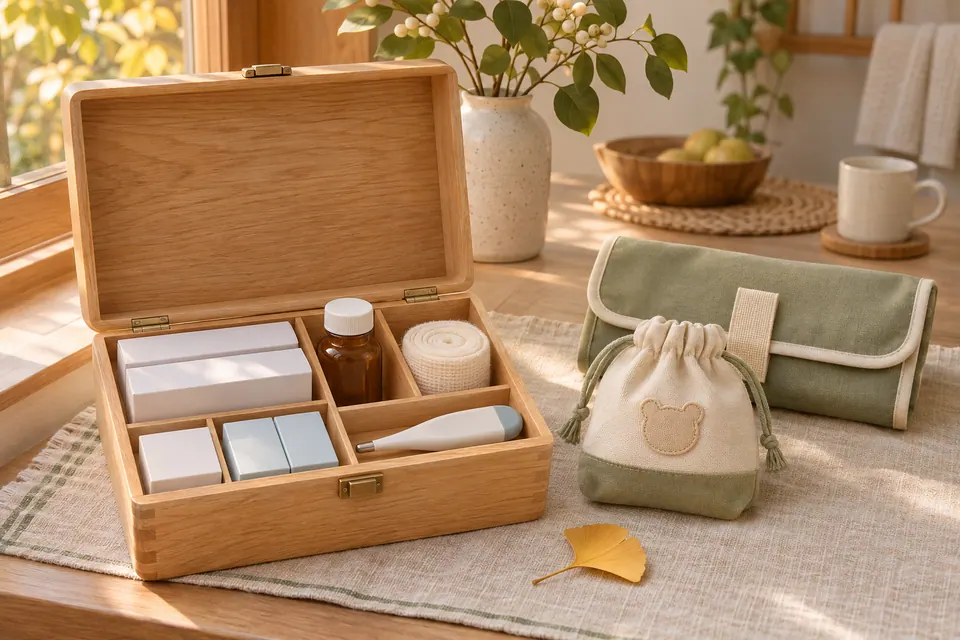
Hello everyone, I’m Windmori.
Late one night last month, the little one at home came down with a fever: 38.7°C.
I opened the medicine box in the cupboard and spent several minutes digging through a heap of boxes before I finally found the children’s fever reducer. I held it under the light. The expiry date was this spring.
That night I threw on a coat and went out to find a pharmacy. The whole way, I kept thinking about something a little ironic: every day I write an app that helps people remember their things, and I had never once kept track of my own medicine box.
The fever had gone down and the little one was asleep. I tipped the whole medicine box out onto the dining table and laid the boxes out one by one.
Twenty-three boxes in all. Five had already expired, the oldest three years ago. There were two identical boxes of cold medicine, one opened and one not, and I had no memory at all of when I’d bought the second. There was also a small bottle of eye drops. I’d written the date I opened it on the bottle myself, in marker, but it was long past the time it could be used once opened.
That was when I understood: a medicine box isn’t a mess because there’s too much in it. It’s because each box’s date is printed only on the box, and the box spends most of the year shut away in a cupboard.
In “My Home” I added a new place called “Medicine Box,” and inside it “Everyday,” “External Use” and “Children’s.” The one medicine that has to be kept cold I recorded on its own under “Fridge,” instead of mixing it in with the medicine box.
MononoMori already has a Medicine category, so in More › Categories & Tags I turned on its Expiry Date. After that it was just legwork: one photo of the front of each box, the name written together with the strength, such as “Ibuprofen 200 mg tablets,” and the date filled in from the small print on the side. Where a few boxes sat together, I used Gather to photograph them in one go, up to five boxes, and let AI write the names first for me to check.
When I reached the two identical boxes of cold medicine, I paused. An item can have only one expiry date, so the two boxes, with different dates, became two items. As I went on, this actually felt more reassuring: if I’d merged them into one, one of the boxes would always expire first without my knowing.
Twenty-three boxes took about forty minutes. The five expired ones went to the take-back point at the pharmacy.
I want to say a little more about the date a medicine is opened.
MononoMori lets you add an “Opened On” attribute to a category, and I added one. But it’s only a record. It doesn’t trigger a reminder; reminders only look at the expiry date. So for medicine that has to be “used within four weeks of opening,” what I do is this: on the day I open it, I work out the date four weeks on from the leaflet and change the expiry date to that day.
For now that step has to be done by hand, and using it myself, it does feel like one step too many. Rather than pretend it’s already perfect, I’d sooner tell you honestly how to use it as it is.
As a medicine nears its date, it drops into Leaf Gathering at the top left of Items, and the little sparrow brings an expiry letter too, at most one a day. In More › Expiry Reminder I tapped By Category and gave Medicine a lead time of one month, so there’s still time to go and buy another box.
Last week the first letter arrived, saying the cough syrup expires next month. In Leaf Gathering I tapped Renew and filled in the date on the new bottle I’d bought. The whole thing took less than a minute.
There are two more things I only started doing once everything was recorded:
Of course, all MononoMori can do is remember where the medicine is and when it expires. Whether a medicine is still safe to take, and how to take it, it can’t judge, and it shouldn’t be the one to judge. That’s for the leaflet, your doctor and your pharmacist.
If you’d like to try this too, there’s no need to record everything at once. Start with the children’s medicine and the few boxes you use most. The free plan covers 30 items, which is plenty to begin with. The detailed settings are in Leaf Gathering and Expiry Letters in the manual.

Tonight, take ten minutes to record the medicine you use most into MononoMori, and fill in the expiry dates.
That expired box of children’s fever reducer has been replaced with a new one. Its record shows a date next autumn. I probably won’t remember it, but MononoMori will.
See you next time in the forest. 🌿
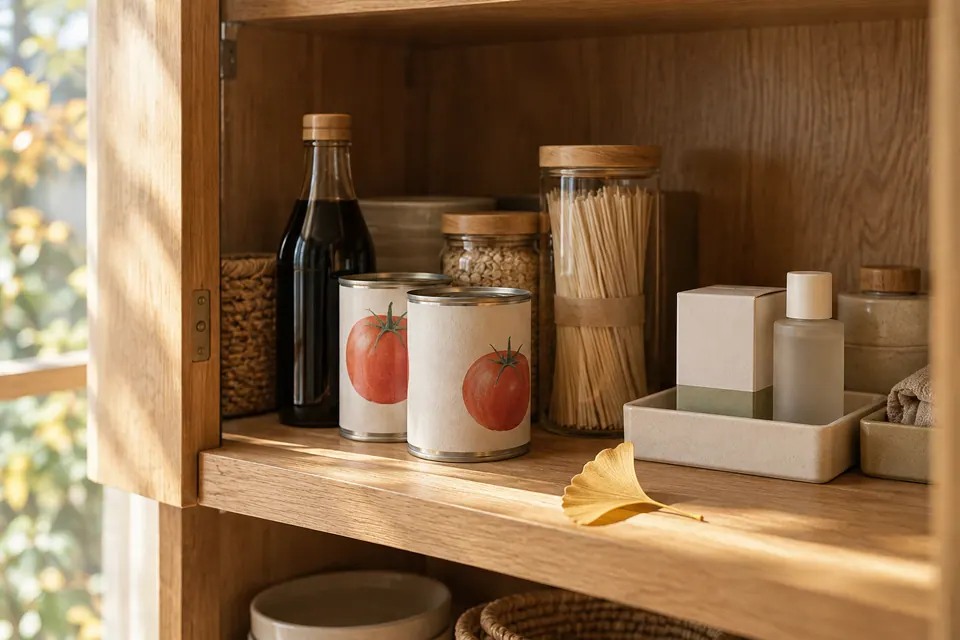 Storage Guides The Expired Soy Sauce at the Back of the Cupboard: Using Expiry Reminders and Leaf Gathering So Your Stock Doesn't Go to Waste Life & Features Vol. 7: We stock up for peace of mind, and then find it all expired when we finally dig it out. Why do food, medicine and skincare quietly expire at the back of the cupboard? Drawing on MononoMori's Expiry Date, expiry letters and Leaf Gathering, this issue looks at how to remember what you have before it's too late to use it. 6 min read
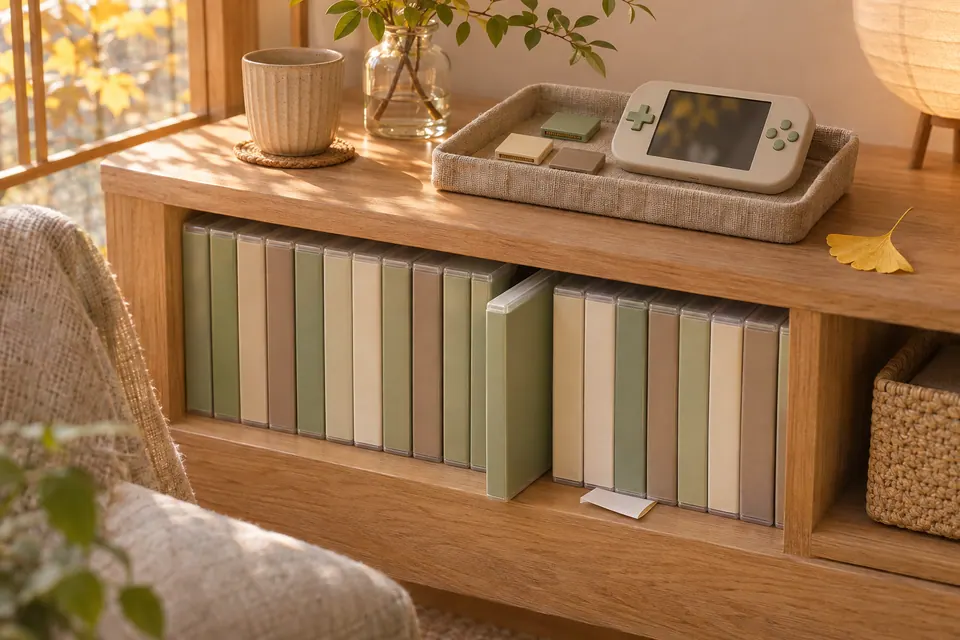 Storage Guides Who Did I Lend That Game To? Where Three Cases on My Game Shelf Went Life & Features Vol. 12: One case lent out and gone for a year, one bought and never unwrapped, one sold and still often remembered. Starting from these three cases on the game shelf, Windmori talks about lending, games waiting to be played and saying goodbye, and the small ways MononoMori can help with them. 6 min read
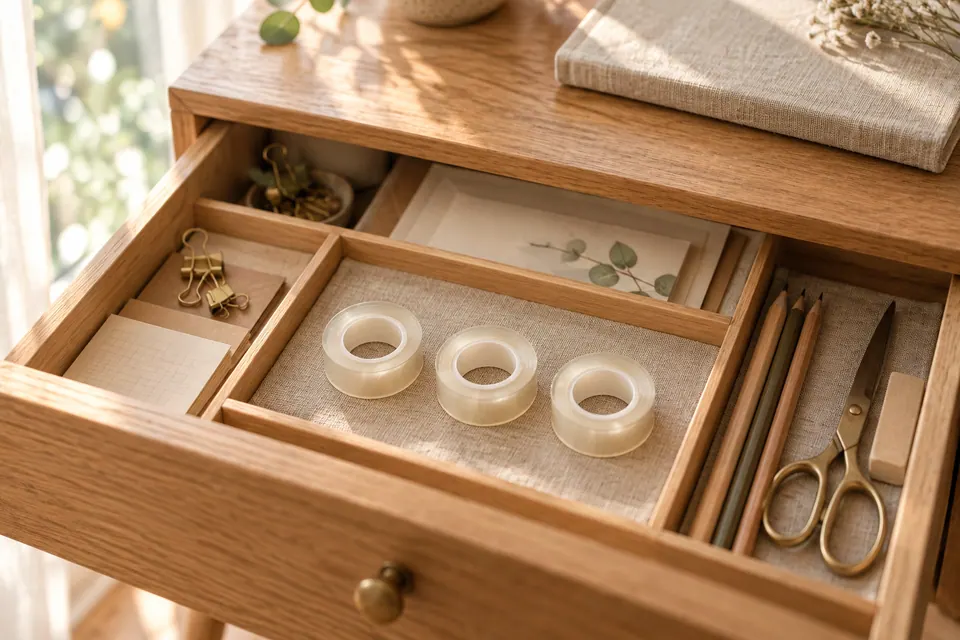 Storage Guides You Already Had One, and Bought Another: Making "Check Before You Buy" a Habit with Locations and Search Life & Features Vol. 6: Things get put away and then can't be found, or you get home with something new only to find its twin in a drawer. Almost every household has been there. This issue looks at why we end up buying duplicates, and how MononoMori's groves, locations, photos and search let you ask one question before paying: do I already have this at home? 6 min read