
Try it with MononoMori
In MononoMori, record the "address" of whatever you most often buy twice, then search before you head out and decide whether you really need to buy it.
Storage Guides
Forest Editorial 6 min read
Hello everyone, I’m Windmori.
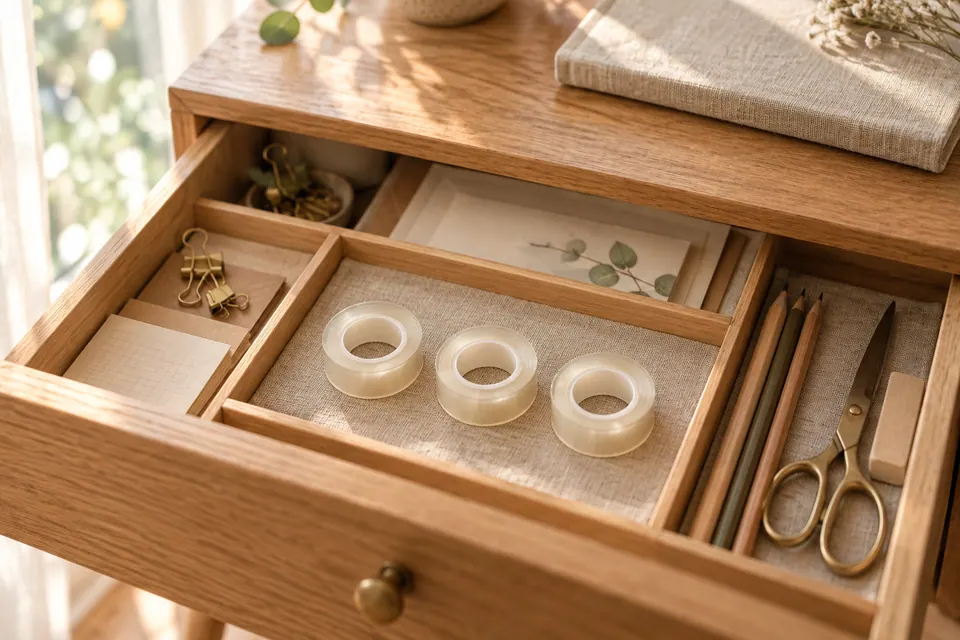
Last month I was sending a parcel to a friend. I went through my whole desk without finding the Scotch tape, so I went down to the corner shop and bought a roll.
That evening, tidying a drawer, I felt a roll at the very bottom of my pencil case. A little further in, I found another.
Three identical rolls of tape sat side by side on my desk, and I didn’t know whether to laugh or sigh: they had never been lost. I just didn’t know where they were.
If this sounds familiar (the fourth pair of scissors, the third charging cable, opening a delivery only to remember two unopened bottles of shampoo in the cupboard), don’t be too quick to blame yourself.
Looking for things only takes a few minutes each time, but over a year those minutes add up to a fair amount of time. And quite a few of the things we never manage to find end up as “I’ll just buy another one.”
From an organizing point of view, duplicate purchases usually come down to three things:
So instead of asking yourself to remember everything, give your memory somewhere it can travel with you.
In MononoMori, a “Grove” stands for a larger space, such as the bedroom, kitchen or entryway. Inside a grove, a “Location” records the specific cupboard, drawer or box, and a location can have its own “Sub-locations”.
So the address of that roll of tape goes from “somewhere near the desk, I think” to:
Study → Desk → Second drawer on the right → Pencil case
A small tip for naming locations: use the words that come to mind when you’re looking for something. If you usually say “left of the TV stand,” don’t call it “Living Room Storage Unit A.”
Take a quick photo when you add an item. A photo jogs your memory better than a name: the storage box with the little bear on it, the scissors with the red handles. You’ll recognize them at a glance.
If the spot is a bit unusual, like “inside pocket of the winter coat,” just put it in “Notes.”
Type a keyword into the search box in “Items” and MononoMori looks through item names, notes, tags, categories, and grove and location names together.
That means you can search “tape” to see how many rolls you have and where each one is, or search “pencil case” to see everything inside that case.

In MononoMori, record the "address" of whatever you most often buy twice, then search before you head out and decide whether you really need to buy it.
All of this record-keeping pays off in the few seconds before you buy something.
My suggestion: start with the kind of thing you most often buy twice. For me that’s stationery and cables. For you it might be seasonings, batteries or hand cream. Get the locations of those things down, and once you’ve had the experience of searching and finding something straight away, the habit will grow on its own.
For more on search and filters, see Search, Filter & Grouping in the manual.
All three rolls of tape are now recorded under the same location in MononoMori.
The next time I sent a parcel, I didn’t turn the place upside down. I searched on my phone and found the tape in three seconds.
Organizing isn’t only about putting things away. It’s also about letting your future self know where to find them again.
What do you most often end up buying twice?
Hope today’s Life & Features issue brings a spark of inspiration to your organization journey.
See you next time in the forest. 🌿
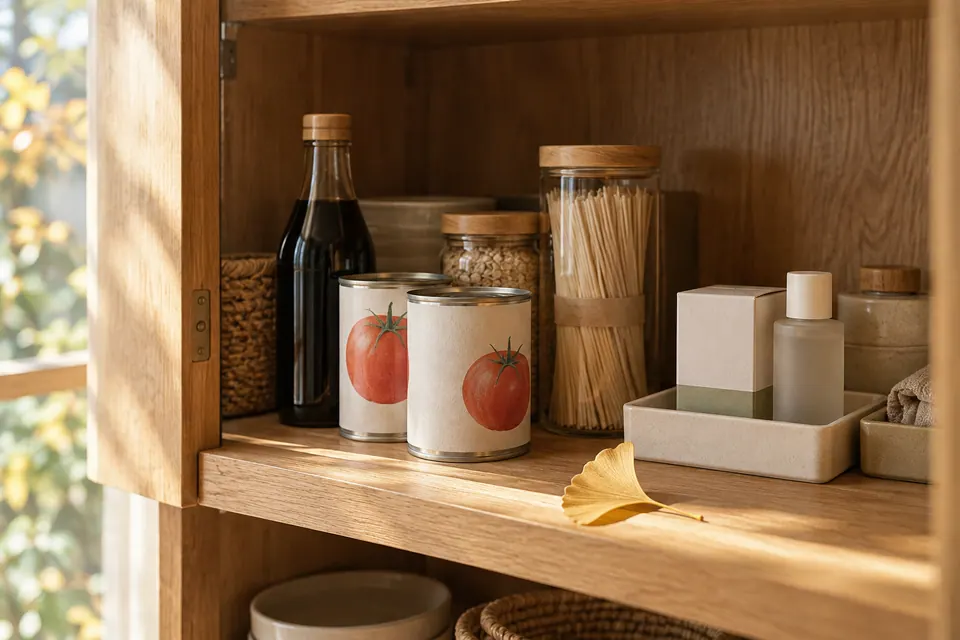 Storage Guides The Expired Soy Sauce at the Back of the Cupboard: Using Expiry Reminders and Falling Leaves So Your Stock Doesn't Go to Waste Life & Features Vol. 7: We stock up for peace of mind, and then find it all expired when we finally dig it out. Why do food, medicine and skincare quietly expire at the back of the cupboard? Drawing on MononoMori's Expiry Date, Expiry Reminder and Falling Leaves, this issue looks at how to remember what you have before it's too late to use it. 6 min read
 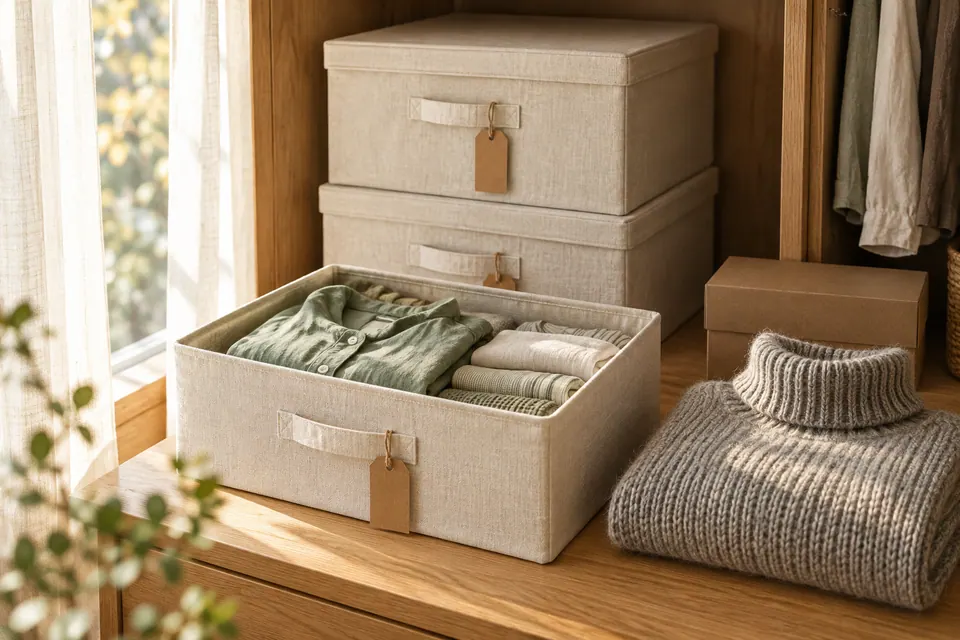 Storage Guides What's Actually in That Box? Settling Seasonal and Moving Boxes with Sub-locations and Hibernation Life & Features Vol. 8: Clothes sealed into a box at the change of season are forgotten by the next year; moving boxes, neatly labeled, sit unopened for months. Starting from seasonal swaps and moving house, this issue looks at how MononoMori's sub-locations, Hibernate and Transplant let every box tell you what's inside. 7 min read
 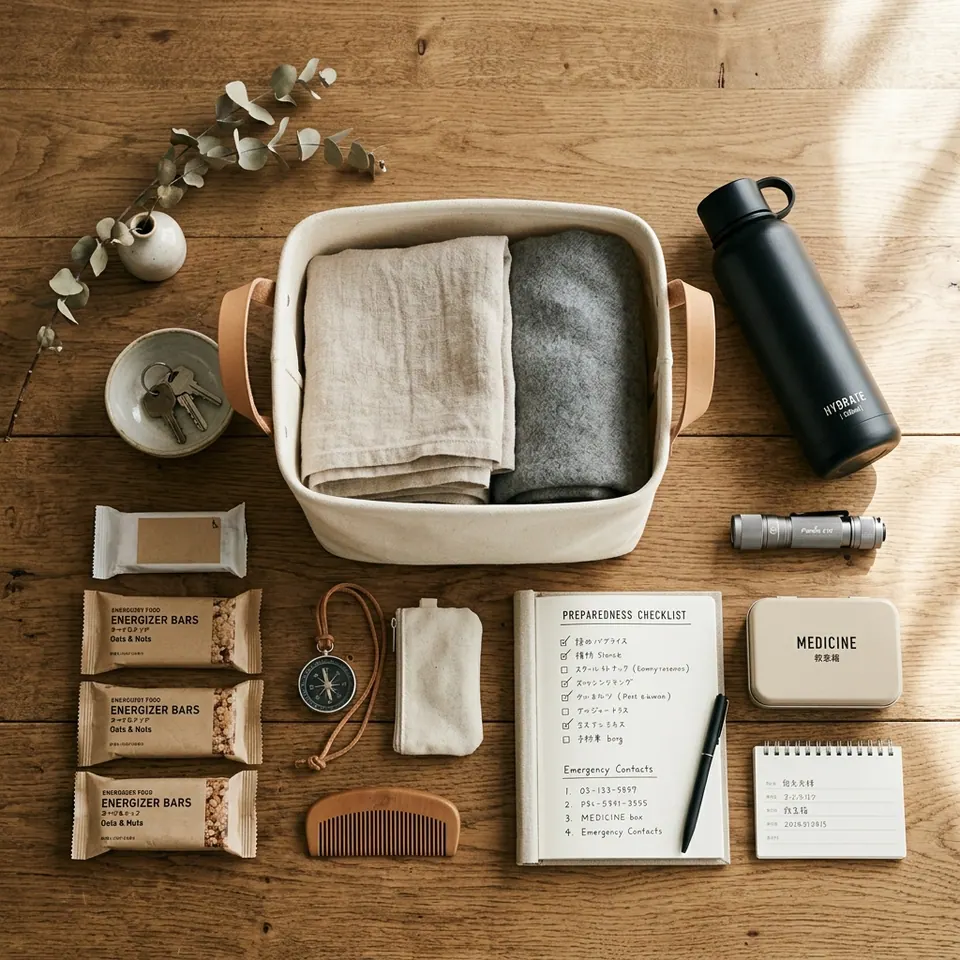 Storage Guides The Hardest Part of Emergency Kits Isn't Day One—It's Years Later: Organizing Life's Preparedness with Baskets Life & Features Vol. 2: Preparing emergency disaster supplies isn't the hardest part—maintaining their status over time is. Exploring the logic of order and readiness behind MononoMori's Basket feature across disaster prep, camping, and travel. 6 min read