
Try it with MononoMori
Build a "Basket" for your household emergency kit in MononoMori, and use Checklist Mode for effortless peace of mind.
Storage Guides
Forest Editorial 6 min read
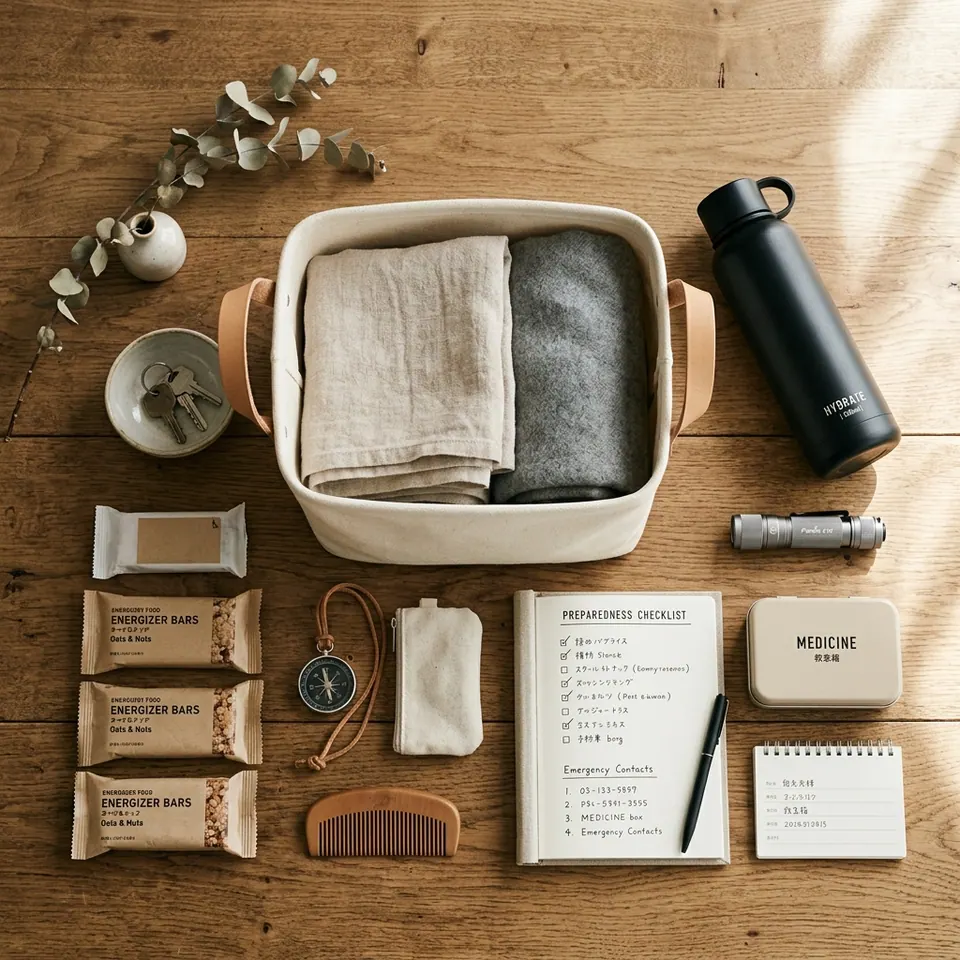
Hello everyone, I’m Windmori.
Recently in Japan, news reports have frequently reminded residents to inspect their household earthquake emergency kits.
The evening I saw those reports, I pulled out the emergency bag that had been sitting in the corner of my living room for ages and unzipped it. To my utter surprise: the emergency bottled water inside had expired over six months ago, the long-shelf-life food had only one month left, and the batteries left inside the flashlight had begun leaking white corrosive crystals.
At that moment, a sudden realization hit me: The hardest part about disaster preparedness is never day one when you buy everything—it’s years later, when you have no idea what’s inside or whether it’s still usable.
From an home organization perspective, emergency kits fall under the category of low-frequency, high-importance items.
Unlike keys, coffee mugs, or shirts that we use daily, emergency supplies rarely cross our sight or touch. Instead, once assembled, emergency bags and first-aid kits are tucked away in deep closet corners, top shelf bins, or under beds.
Stashing them out of sight creates a temporary sense of psychological comfort, but it introduces a major blind spot in physical management:
This is precisely why so many emergency preparations end up being “ready until needed, but expired when called upon.”
To solve this low-frequency maintenance challenge, I began organizing emergency supplies into MononoMori’s “Basket” feature.
Here, a “Basket” is not a physical woven bin or plastic box, but rather a situational container that aggregates items for a specific goal or event.
In MononoMori, I created a new basket titled “Earthquake Emergency Kit” and logged items one by one:
For each item, beyond basic details like name and location, the most crucial attributes are Quantity and Expiration Date.
Once items are placed in the Basket, your scattered emergency gear gains a clear digital structure.
The magic happens during routine maintenance. Every three to six months, there’s no need to tip the bag upside down. I simply open the Basket in MononoMori and tap the checkmark button beside In the Basket to turn on Checklist Mode.
Going down the Basket item by item, I audit the physical gear in minutes and tick each one off as I go: How many bottles of water left? Are any medicines expired? Is the power bank fully charged? Before the next check, More > Reset Checklist clears the marks.
If I discover rations nearing expiration or emergency toilets that were used up and never replaced, I simply type their names into this Basket’s Wish List.
The next time I go grocery shopping or order online, a glance at the Basket’s Wish List tells me what to buy. Once the new things are recorded in the forest, I link each wish to its item and it joins the Basket—an effortless, dynamic management loop.

Build a "Basket" for your household emergency kit in MononoMori, and use Checklist Mode for effortless peace of mind.
Interestingly, the “Basket” feature wasn’t part of my original roadmap. Its design was inspired by an email from a MononoMori user:
“Windmori, I love camping, but before every trip, hunting down my tent, sleeping bags, and cooksets across different rooms takes forever. Even though they’re logged in MononoMori, they’re scattered in various cabinets. Could we have a feature to temporarily group items into a virtual ‘basket’ so I can check them off before heading out?”
That user email sparked a major breakthrough.
After building the Basket feature, the more I used it, the clearer it became: A “Basket” doesn’t just organize physical objects—it organizes our life’s preparations.
Today, my MononoMori account features several baskets tailored for different life events:
One check before leaving brings clarity; one confirmation upon returning brings order.
What used to be a stressful, chaotic packing process has transformed into a fluid, peaceful routine.
Looking at this approach through two complementary lenses highlights its profound impact:
From a Storage Expert’s Perspective (Rational Order):
Traditional organization often stops at static categorization and placement. The “Basket + Checklist Mode + Wish List” workflow introduces a sustainable closed-loop system for low-frequency items. It replaces passive hoarding with event-driven maintenance, turning tedious audits into a quick, mindful ritual.
From an Everyday User’s Perspective (Peace of Mind):
We no longer need to clog our mental memory with endless packing details. Offloading that cognitive burden to the app grants genuine security. When emergency alerts sound or travel dates arrive, we move with confidence—knowing everything is in place.
Life is full of uncertainties, but thoughtful preparation is what gives us the quiet strength to weather any storm.
Whether it’s an emergency disaster kit or camping gear for a getaway, a simple “Basket” brings calm order to chaotic preparations.
If you’re using MononoMori, what “Baskets” will you build for your journey?
Hope today’s Life & Features issue brings a spark of inspiration to your organization journey.
See you next time in the forest. 🌿
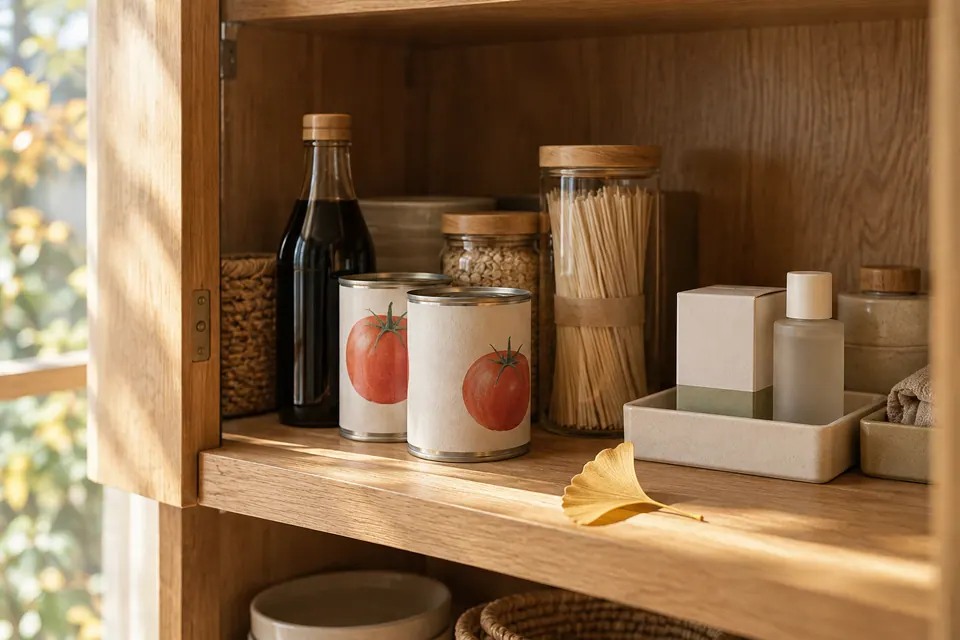 Storage Guides The Expired Soy Sauce at the Back of the Cupboard: Using Expiry Reminders and Falling Leaves So Your Stock Doesn't Go to Waste Life & Features Vol. 7: We stock up for peace of mind, and then find it all expired when we finally dig it out. Why do food, medicine and skincare quietly expire at the back of the cupboard? Drawing on MononoMori's Expiry Date, Expiry Reminder and Falling Leaves, this issue looks at how to remember what you have before it's too late to use it. 6 min read
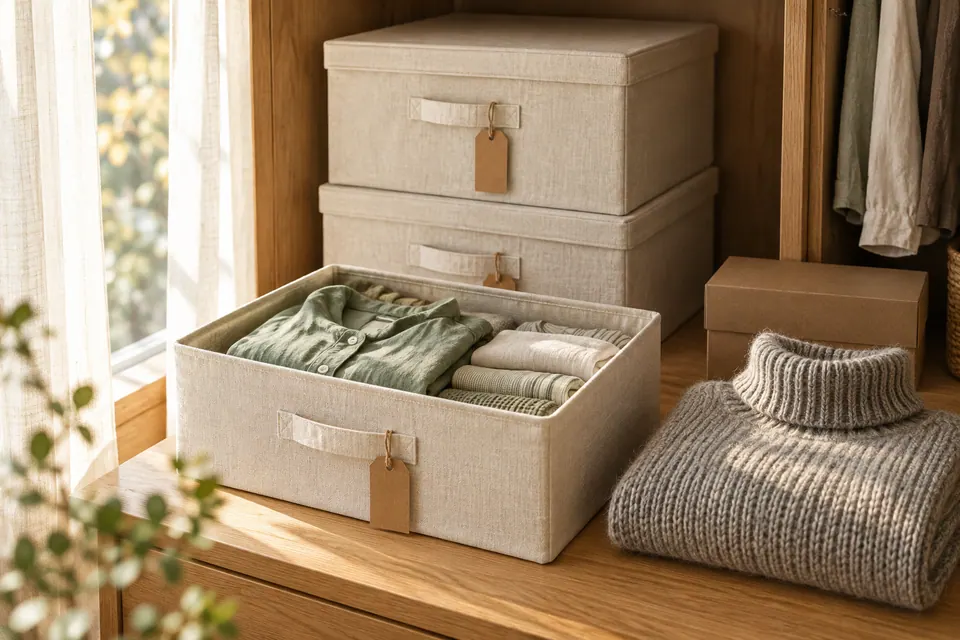 Storage Guides What's Actually in That Box? Settling Seasonal and Moving Boxes with Sub-locations and Hibernation Life & Features Vol. 8: Clothes sealed into a box at the change of season are forgotten by the next year; moving boxes, neatly labeled, sit unopened for months. Starting from seasonal swaps and moving house, this issue looks at how MononoMori's sub-locations, Hibernate and Transplant let every box tell you what's inside. 7 min read
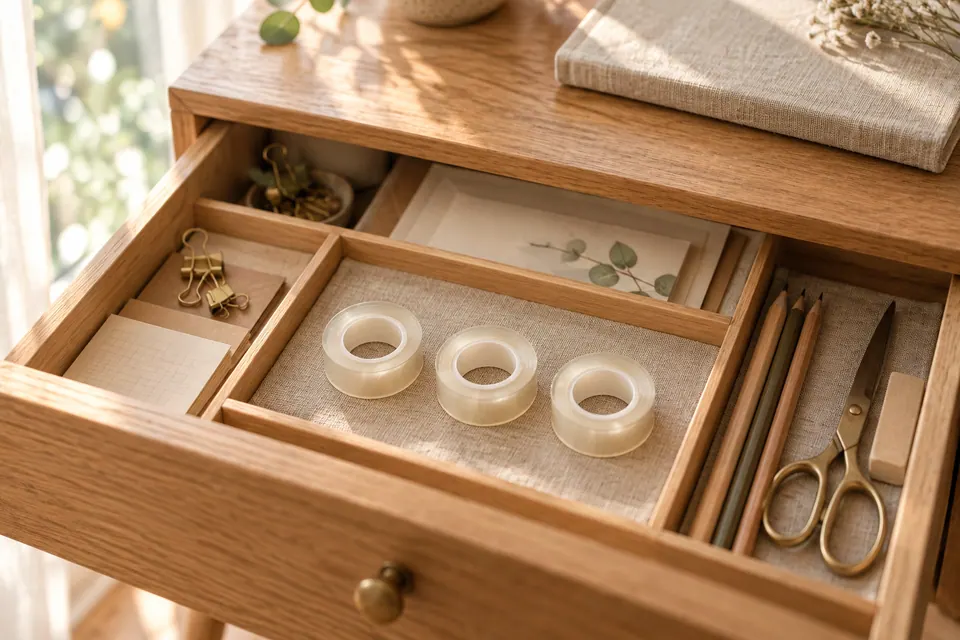 Storage Guides You Already Had One, and Bought Another: Making "Check Before You Buy" a Habit with Locations and Search Life & Features Vol. 6: Things get put away and then can't be found, or you get home with something new only to find its twin in a drawer. Almost every household has been there. This issue looks at why we end up buying duplicates, and how MononoMori's groves, locations, photos and search let you ask one question before paying: do I already have this at home? 6 min read