
Try it with MononoMori
In MononoMori, create a sub-location for each storage box in your home, and set the clothes you put away to Hibernate at the change of season. Next time, you'll know what's in a box before you open it.
Storage Guides
Forest Editorial 7 min read
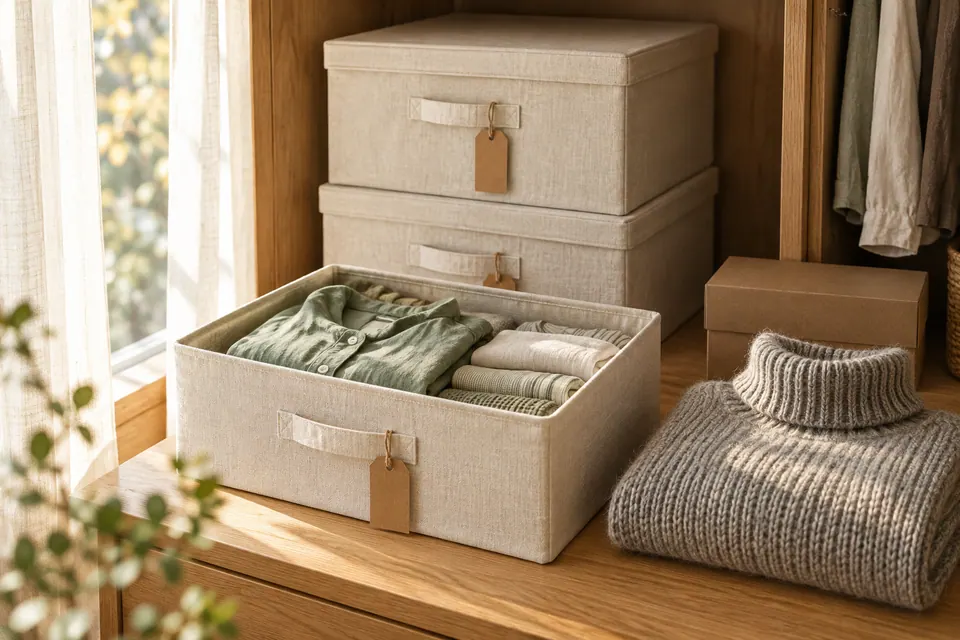
Hello everyone, I’m Windmori.
On the first weekend of October, the temperature finally dropped. I dragged over a stool and lifted the three storage boxes down from the top of the wardrobe one by one, looking for the grey turtleneck sweater I wore last winter.
The first box held summer bedding. The second, two old coats and a pile of scarves. Only when I opened the third did I find the sweater, squashed at the very bottom.
All three boxes had labels, and all three said the same thing: “Winter clothes.”
The change of seasons and moving house are the two times of year when things most easily go missing.
At the change of season, we seal a season’s clothes into a box, and by the time we open it again, the better part of a year has passed. When we move, dozens of boxes are taped shut at once, and some sit unopened in the new place for months.
From an organizing point of view, storage boxes cause almost the same trouble every time:
So rather than writing more on the outside of the box, give each box a list of its contents you can read before you open it.
A box in MononoMori doesn’t need a special feature. It’s simply a “Location.”
For example, in the Bedroom grove, start with a “Wardrobe” location, then tap “Add Sub-location” to give it “Wardrobe top · Box 1” and “Wardrobe top · Box 2.” Then write exactly the same name as in the app on the real box.
MononoMori doesn’t currently have QR code labels or a way to open a box by scanning. Those few handwritten words on the outside of the box are the thread between the real world and the forest.
Once the summer clothes are in the box, long-press to select them in “Items” and open “Batch Actions”:
Hibernating items aren’t deleted. They’re just hidden when you browse. The “Hibernation” filter in “Items” is set to “Active Items” by default, so when you look through your things day to day, you only see the clothes you’re actually wearing this season. It feels much lighter.
And when you want to find a particular piece, just search. Hibernating items still show up in search results, and tapping one shows you which box it’s sleeping in.
Next year, when the weather warms up, switch the “Hibernation” filter to “Hibernating Items” and the summer clothes are listed one by one. Select them all, tap “Wake Up,” and they’re back in your everyday list.
If, while sorting, you notice something you didn’t think of once all season, you can hold a “Farewell” for it while you’re at it.

In MononoMori, create a sub-location for each storage box in your home, and set the clothes you put away to Hibernate at the change of season. Next time, you'll know what's in a box before you open it.
Moving works the same way as a seasonal swap, just with more boxes and less time.
The same list also answers the question everyone asks for months after moving: “Did we actually bring that with us?”
For step-by-step details, see Box Tracking During Relocation and Item Hibernation in the manual.
In the end, I relabeled the three “Winter clothes” boxes on top of the wardrobe as “Box 1,” “Box 2” and “Box 3.”
Fewer words on the outside, and yet it’s clearer than ever what’s inside.
The box I emptied that day now holds the summer bamboo mat and the light quilt. If I search “bamboo mat” on my phone, I see: Bedroom → Wardrobe top · Box 1, hibernating. Next summer, I probably won’t need to drag over the stool and open every box.
Good storage isn’t about how neatly you hide things away. It’s about being able to bring them back without effort on the day you need them.
What’s in the boxes on top of your wardrobe this season?
Hope today’s Life & Features issue brings a spark of inspiration to your organization journey.
See you next time in the forest. 🌿
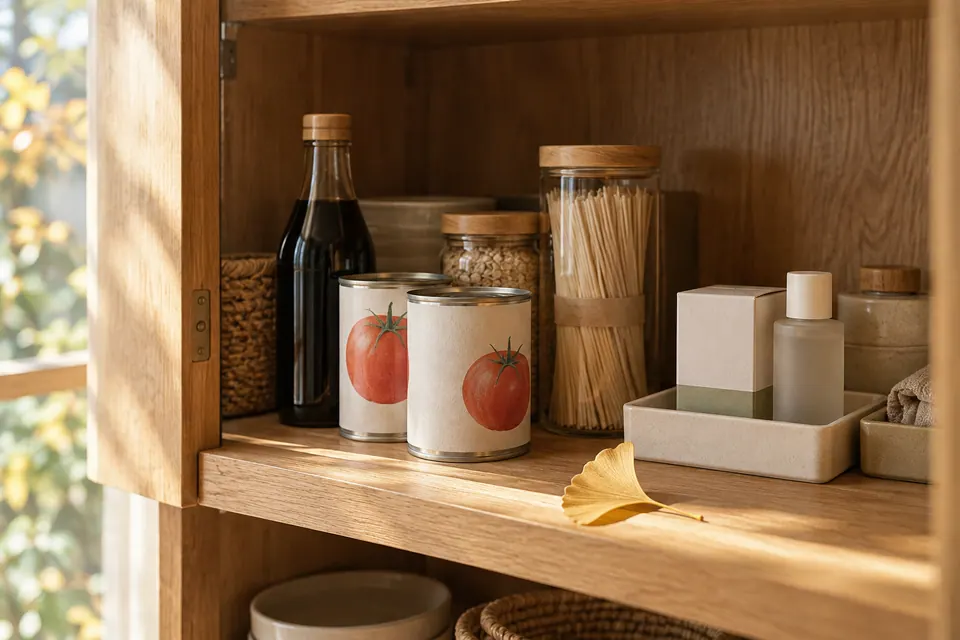 Storage Guides The Expired Soy Sauce at the Back of the Cupboard: Using Expiry Reminders and Falling Leaves So Your Stock Doesn't Go to Waste Life & Features Vol. 7: We stock up for peace of mind, and then find it all expired when we finally dig it out. Why do food, medicine and skincare quietly expire at the back of the cupboard? Drawing on MononoMori's Expiry Date, Expiry Reminder and Falling Leaves, this issue looks at how to remember what you have before it's too late to use it. 6 min read
 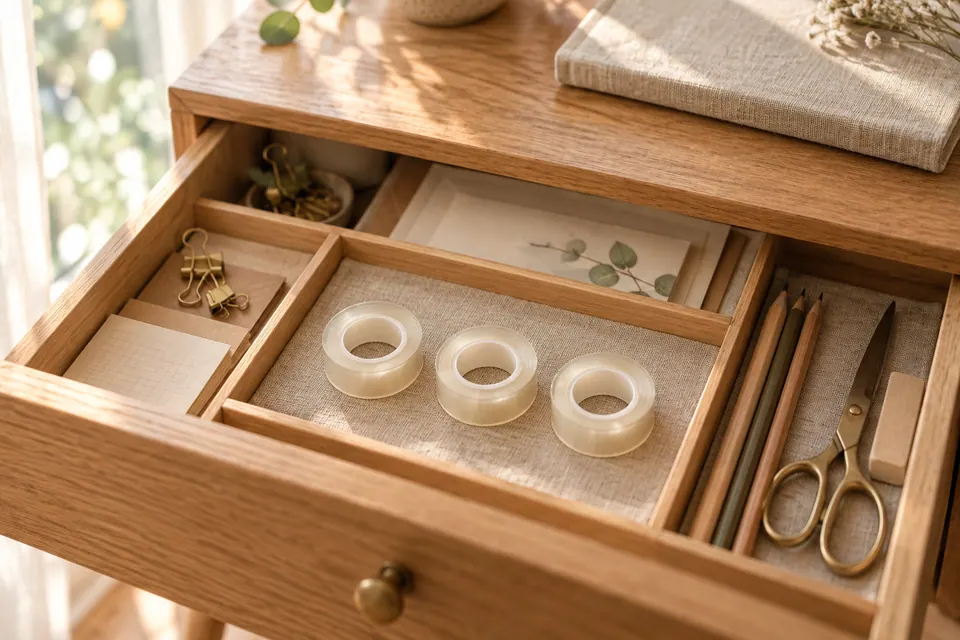 Storage Guides You Already Had One, and Bought Another: Making "Check Before You Buy" a Habit with Locations and Search Life & Features Vol. 6: Things get put away and then can't be found, or you get home with something new only to find its twin in a drawer. Almost every household has been there. This issue looks at why we end up buying duplicates, and how MononoMori's groves, locations, photos and search let you ask one question before paying: do I already have this at home? 6 min read
 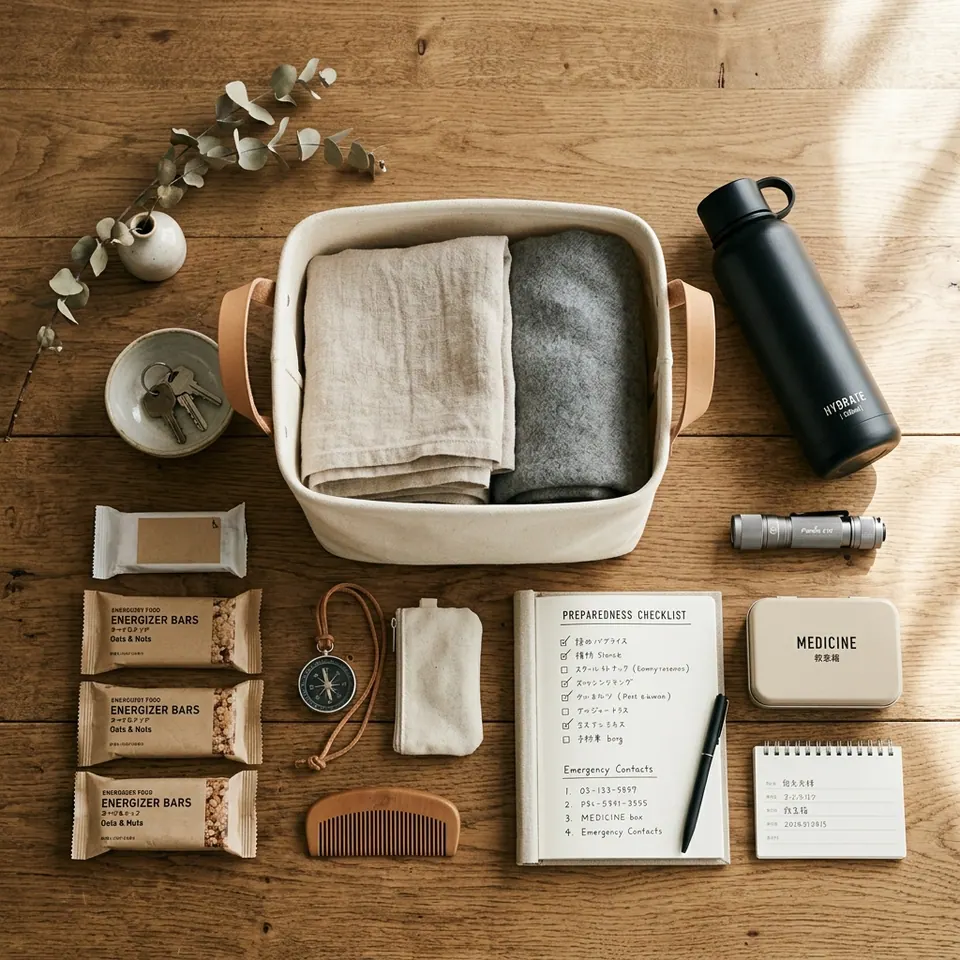 Storage Guides The Hardest Part of Emergency Kits Isn't Day One—It's Years Later: Organizing Life's Preparedness with Baskets Life & Features Vol. 2: Preparing emergency disaster supplies isn't the hardest part—maintaining their status over time is. Exploring the logic of order and readiness behind MononoMori's Basket feature across disaster prep, camping, and travel. 6 min read