


Try it with MononoMori
This weekend, start in the living room and record your five most expensive things in MononoMori: take a photo, fill in the price and purchase date, and put the receipt in the Treasure Box.
Storage Guides
Forest Editorial 7 min read
Hello everyone, I’m Windmori.
Last winter, a pipe burst in the flat upstairs. Water ran down through the ceiling and ruined a row of books on the bottom shelf of my bookcase, along with a speaker that sat beside it.
The building management asked me for a list of what was damaged: what each thing was, which year I bought it, and roughly what it cost. Sitting beside the soaked floor, I tried hard to remember the speaker’s model. I couldn’t. And I had even less idea where the receipt was.
I wasn’t confident about anything on that list. These things were clearly mine, and yet I couldn’t account for them.
Later I looked into it and learned that in English this has a name of its own: a home inventory. Insurers often suggest photographing the things in your home in advance, and after the California wildfires, more tools appeared to help people do it. We may never face anything that serious, but checking the furniture with the landlord when you move out, or making sure everything arrived after a move: those are moments everyone runs into.
So I picked a Saturday afternoon and decided to go through everything at home.
In MononoMori I added a new grove called “My Home,” and made a place for each room: living room, bedroom, study, kitchen.
At first I meant to record every single thing. I gave up a dozen or so items into the living room. The coasters on the coffee table, the remote in the drawer: honestly, if they were lost, nobody would ask about them. So I changed my rule: record only what’s expensive, and what would be hard to buy again if it were lost.
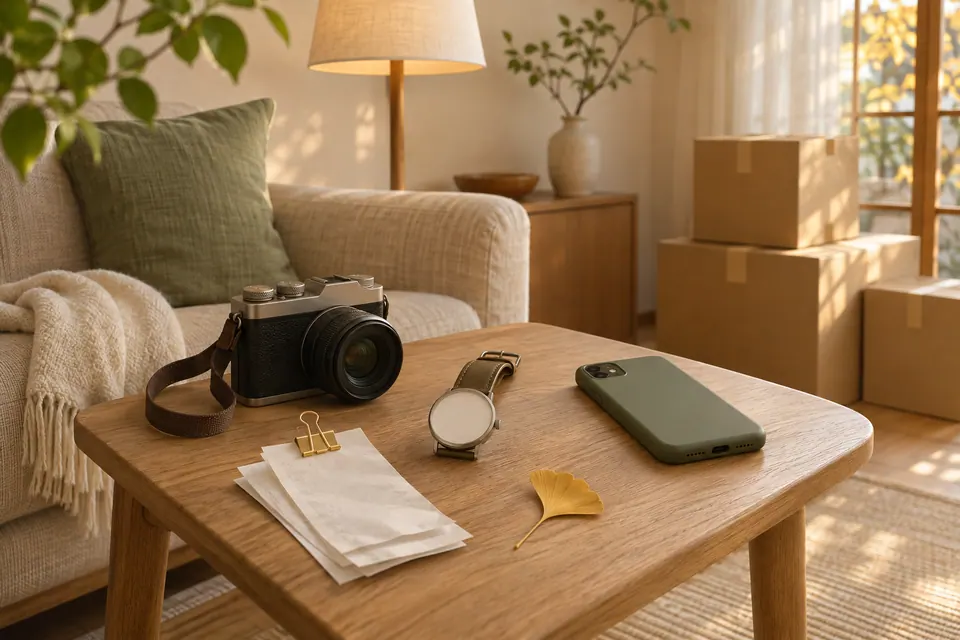
In the end the living room got just five: the TV, the sofa, the new speaker, a camera, and a floor lamp I brought from my old home.
For each one I turned on Brand, Model, Price and Purchase Date (these are built-in attributes of a category, turned on in More › Categories & Tags), and took a photo that shows clearly what it is. For appliances like the TV and the speaker, I turned on Warranty Information as well.
One habit started that day: I photograph receipts and warranty cards and put them in the item’s Treasure Box. They used to be scattered across various drawers. Now they sit right beside the thing they belong to.
The bedroom went faster than I expected. The bed, the wardrobe, and a little box for jewelry and watches. For a few small things sitting together, I took one photo with Gather and recorded five at once.
The study was the slowest. A computer, a monitor, a keyboard, two old phones, and a guitar. I bought the guitar ten years ago and long ago forgot what it cost, so I filled in only a rough purchase date, left the price empty, and figured I’d add it if I ever found it.
In the flat we rent now, the desk and bookcase came from the landlord. I gave them a “Landlord’s” tag. On move-out day, one search will bring them all up, and going through them one by one with the landlord, list and photos in hand, will be much easier than arguing from memory.
Once I’d been all the way round, I opened More › Insights and scrolled down to Value. It estimates the total value from the items with a price; you can view it by grove and see the few that are worth the most. When I saw the number I was a little surprised: there was more in this home than I’d thought.
At the very end of the page is Forest Records, showing how many items have a photo, a price and a date acquired. Tap into the Filled in rows and you can see which ones are still missing something. The guitar was there, its price empty, reminding me I still owe it a number.
When I’d finished, it suddenly occurred to me: if the list lives only on this phone, then if the phone is lost, broken or soaked, the list goes with it.
So the last thing I did that day was Seal a Copy of Your Forest, then tap Save to Files and keep it on my computer. The backup holds the items, the photos, and the original receipts in each Treasure Box.
If you’d like a table to look at on a computer, you can also Export as Spreadsheet (CSV), but that needs Plus or Premium, and the spreadsheet is text only, with no photos or attachments. I use iCloud Sync myself (which also needs Plus or Premium), so my iPhone and Mac show the same list.
My partner and I made “My Home” a shared grove. We each record our own things, and the list is the same one. There’s one thing here that’s easy to miss: a shared grove isn’t in the backup of your own forest. The keeper has to make a separate backup of it from that grove’s Tend This Grove.
There are a few things I want to say clearly. MononoMori isn’t an insurance or legal tool, and it doesn’t produce claim reports. Whether the list and photos count as proof is up to the insurer, the landlord or the relevant authority. Photos in the app don’t replace original invoices, contracts and warranty cards either; those papers still need to be kept somewhere safe. And don’t put things like account passwords or ID numbers in notes.
The free plan covers 30 items. After one afternoon, my list went past that. If you just want to try it, starting with the five most expensive things in your living room is enough. The detailed steps are in Forest Insights and Forest Backup & Restoration in the manual.

This weekend, start in the living room and record your five most expensive things in MononoMori: take a photo, fill in the price and purchase date, and put the receipt in the Treasure Box.
At six that evening I closed my laptop. Outside, it was already dark. Four hours, fifty-odd things, and one list kept in two places.
I hope I never need it. But every time the season changes, I still spend an afternoon adding the new things I’ve bought, marking what I’ve sold or given away as Sold or Gifted on the farewell page, and saving a fresh backup.
See you next time in the forest. 🌿
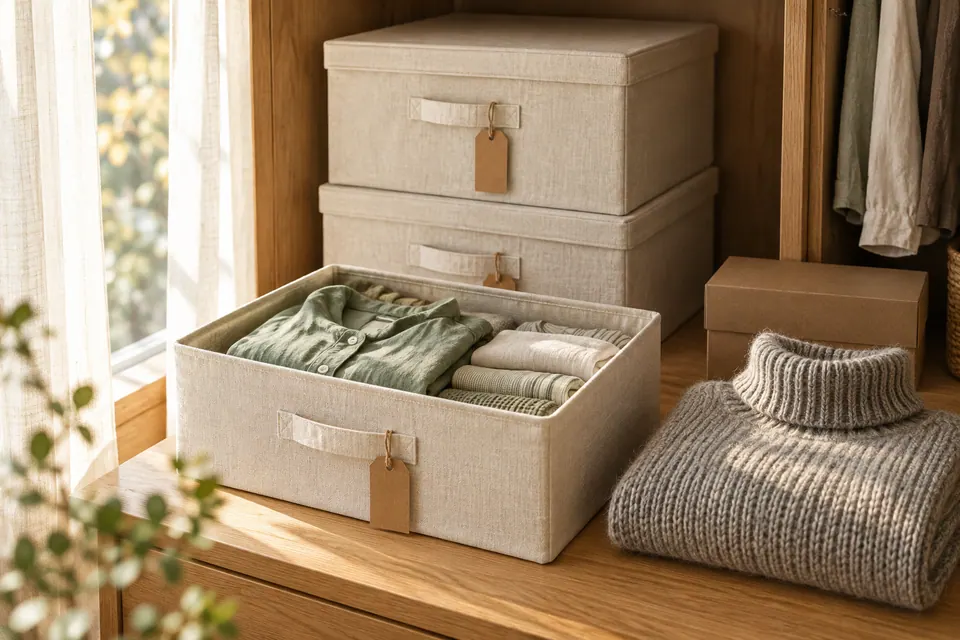 Storage Guides What's Actually in That Box? Settling Seasonal and Moving Boxes with Sub-locations and Hibernation Life & Features Vol. 8: Clothes sealed into a box at the change of season are forgotten by the next year; moving boxes, neatly labeled, sit unopened for months. Starting from seasonal swaps and moving house, this issue looks at how MononoMori's sub-locations, Hibernate and Transplant let every box tell you what's inside. 7 min read
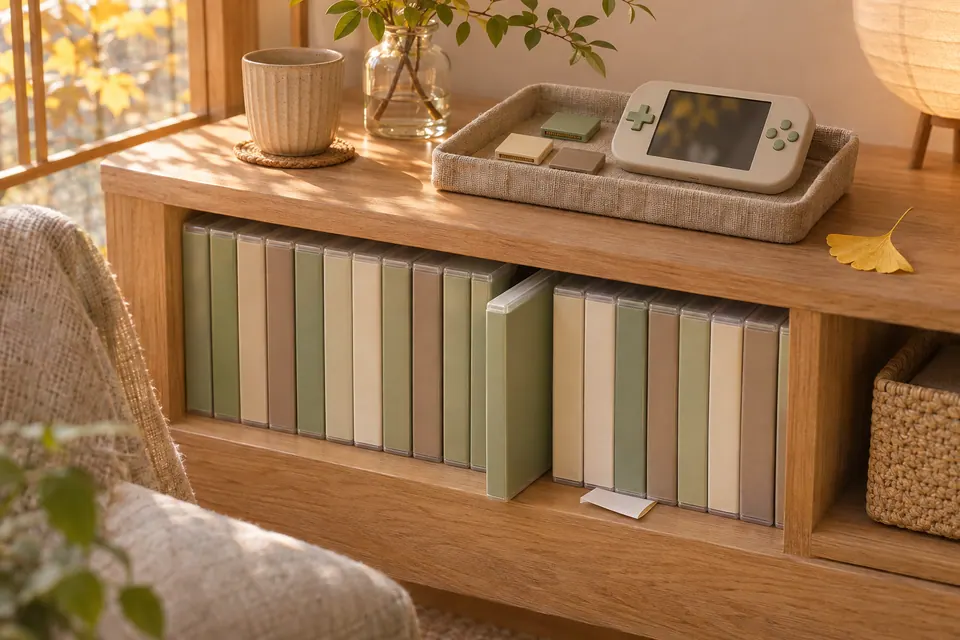 Storage Guides Who Did I Lend That Game To? Where Three Cases on My Game Shelf Went Life & Features Vol. 12: One case lent out and gone for a year, one bought and never unwrapped, one sold and still often remembered. Starting from these three cases on the game shelf, Windmori talks about lending, games waiting to be played and saying goodbye, and the small ways MononoMori can help with them. 6 min read
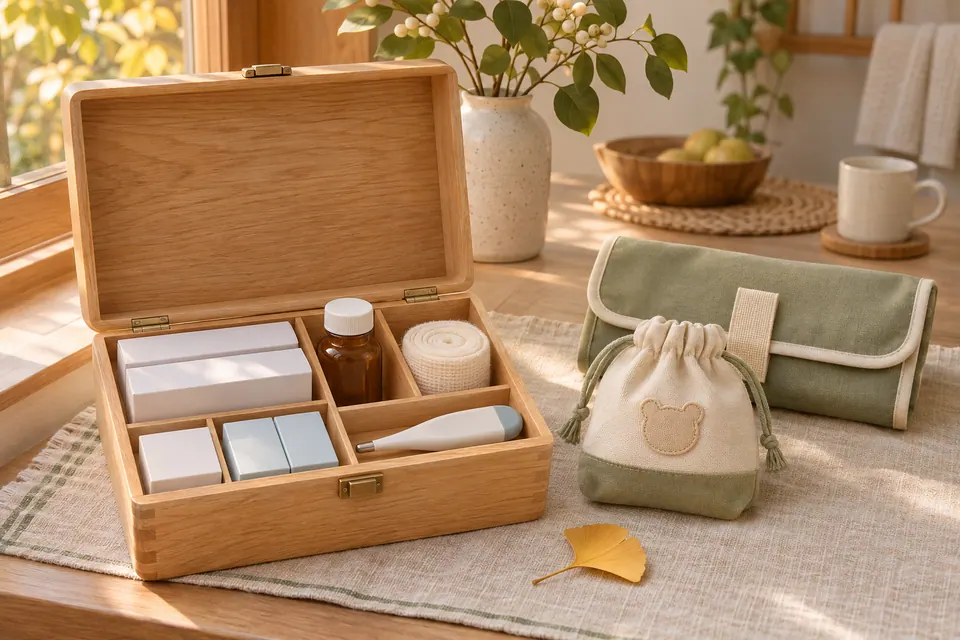 Storage Guides A Fever at Midnight: Is That Box of Medicine Still Good? Remembering the Date on Every Box in the Home Medicine Box Life & Features Vol. 9: A child's fever late at night, an expired box of fever reducer, and the afternoon after, spent tipping the medicine box out onto the table and counting. Windmori writes about recording the medicine at home in MononoMori one box at a time, and a few small things that only became clear while doing it. 6 min read